What is EMT simulation?
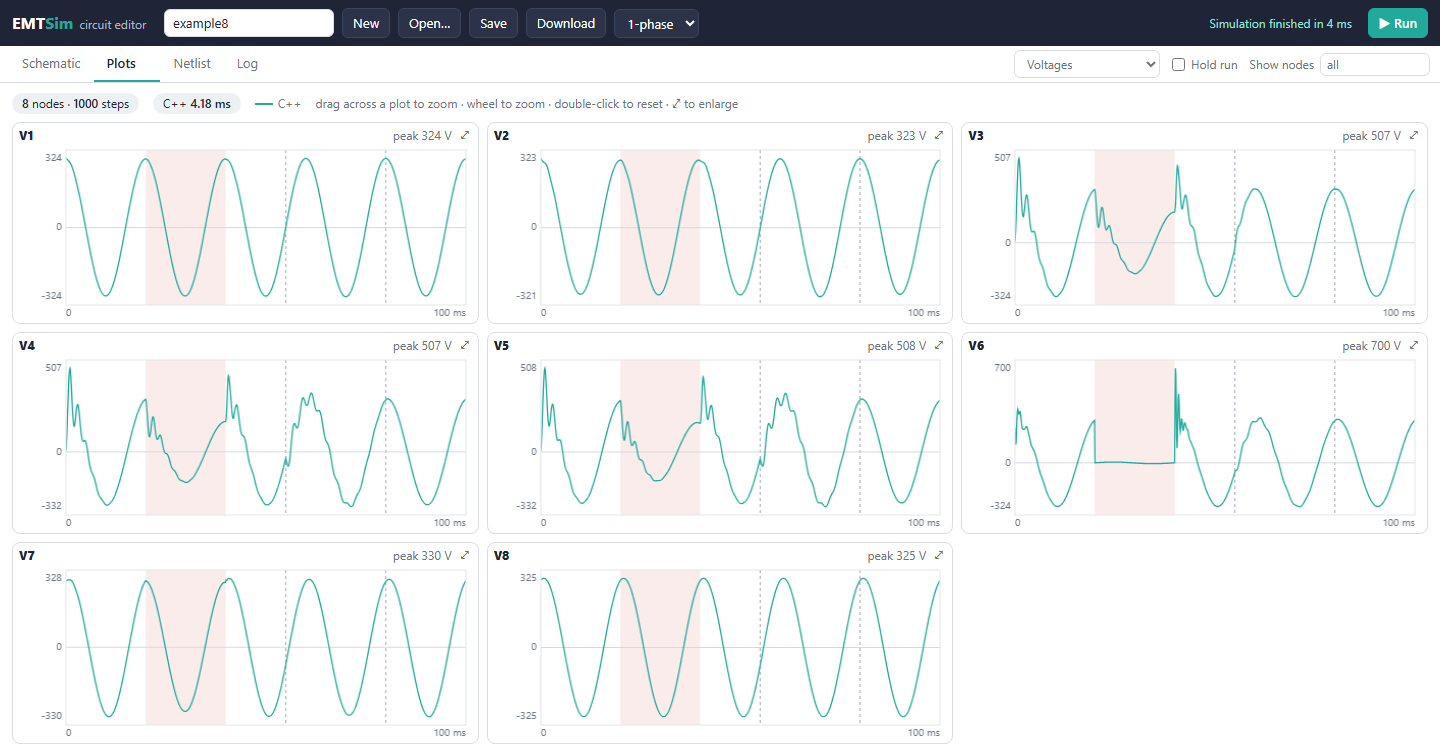
Electromagnetic transients (EMT) simulation computes a power network's instantaneous voltages and currents, step by step in time, so it shows what phasor and stability programs average away: switching surges, fault transients, travelling waves on lines, and the switching of power electronics. Read the introduction.
How does EMTSim relate to EMTP-type programs?
EMTSim is an EMTP-type program: it uses Dommel's nodal method with trapezoidal companion models, the method the established EMT programs are built on, with interpolated switching and chatter removal. It is an independent program, not affiliated with any of them.
Is EMTSim an alternative to PSCAD?
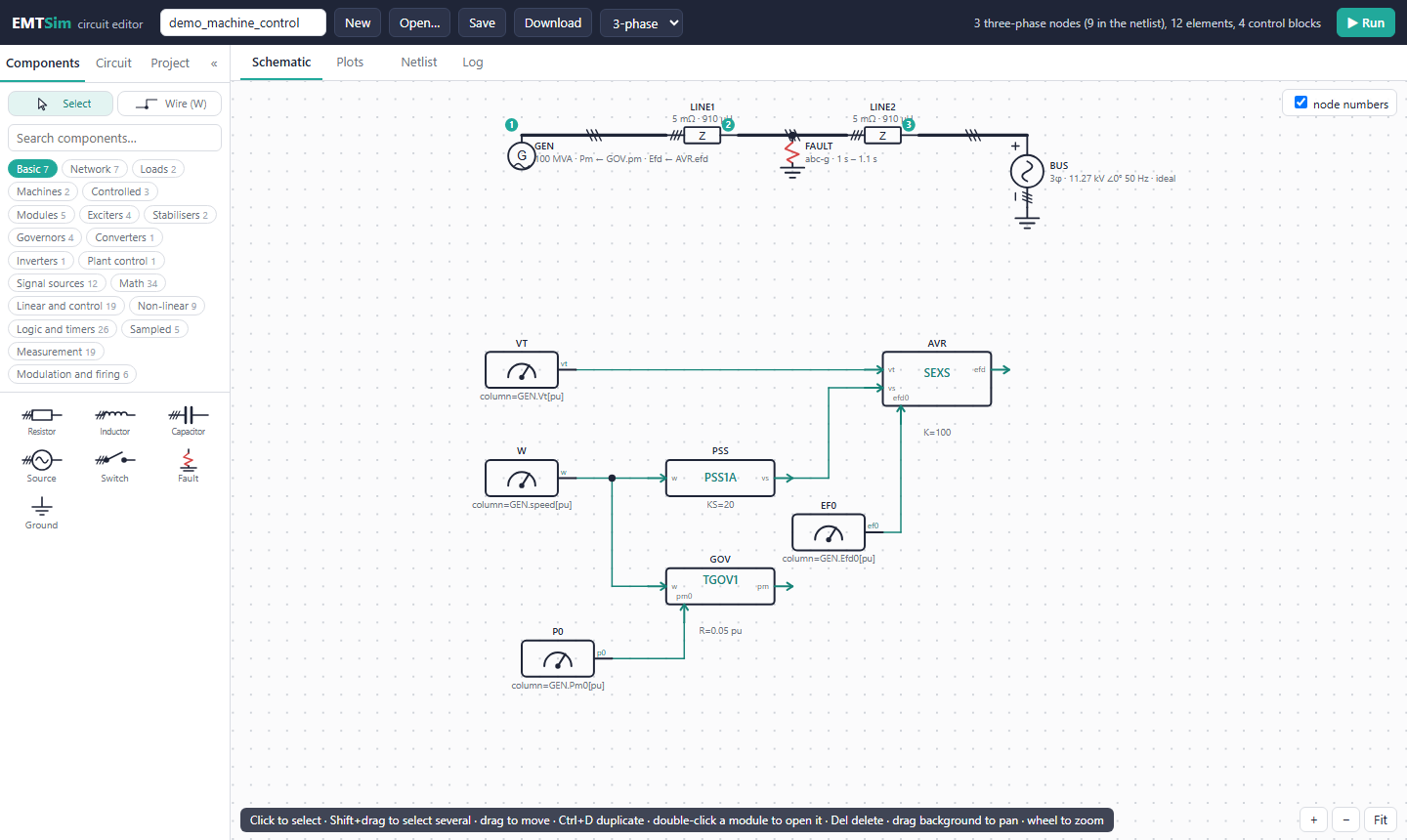
For many studies, yes. Like PSCAD/EMTDC, EMTSim solves the network with Dommel's nodal method, interpolates switching instants and removes numerical chatter, and you draw circuits in a schematic editor. It is free up to 10 nodes and $9.99 a month up to 1000 nodes. See how they compare.
How do I get my plan in the app?
Sign in at the top right of the EMTSim editor with your account. One download serves every plan: the app reads yours from your account.
Does it work offline?
Yes. Once signed in, the free account keeps working offline for a year. A paid plan keeps working for 3 days after it was last confirmed online.
How many computers can I use?
A plan is for one person. Sign in on the computers you use, and sign out the ones you no longer use from your account page.
How do I change or cancel my plan?
On your account page: upgrade there, or open Billing to change your card, see invoices or cancel. A cancelled plan stays on until the end of the period you paid for.
What do I need to run it?
A 64-bit Windows 10 or 11 PC (Intel, AMD or ARM) and a web browser. The installer brings everything else.
Where are my circuits saved?
On your own computer, in Documents\EMTSim. Nothing you draw is sent to us.
How do I update EMTSim?
EMTSim tells you when a new version is out. Download it and run the installer: it updates EMTSim in the same folder and keeps your circuits and your sign-in. The Microsoft Store version updates itself; new versions reach the Store a few days after the installer.
How do I uninstall EMTSim?
Start menu → EMTSim → Uninstall EMTSim, or Windows Settings → Apps → Installed apps → EMTSim → Uninstall. You choose whether to keep your circuits and your sign-in (for when you install it again) or remove them: the circuits then go to the Recycle Bin. With the Microsoft Store version, right-click EMTSim in the Start menu and choose Uninstall; your circuits in Documents\EMTSim stay.